What Are the Best Confluence Alternatives for SOP Management?
Your SOPs live in Confluence, but nobody follows them. Pages multiply, versions drift, and proving anyone read the latest revision turns into a manual hunt. That gap between documentation and execution is why teams start comparing alternatives.
This article lays out the criteria that actually matter for SOP management: governance, workflow automation, and audit readiness. You will get a side-by-side look at six platforms, from Process Street to Appian, plus guidance on matching a tool to your team size and compliance needs so you can pick with confidence.
What to Look For in Confluence Alternatives for SOP Management
Confluence excels at collaborative documentation but often falls short when organizations need rigorous SOP enforcement, automated workflows, and audit-ready proof of process adherence. It is, at heart, a wiki-style tool built for shared knowledge, not for controlling how a process gets executed.
Teams that treat standard operating procedures as living operational assets quickly notice the gaps: no native workflow automation, no formal approval chains, and no compliance-grade audit trails. When a document must be proven current and followed, a wiki alone rarely suffices.
When comparing Confluence alternatives for SOP management, focus on three capabilities: governance, workflow automation, and audit readiness. Each is covered in detail below.
Key Evaluation Criteria: Governance, Workflow Automation, and Audit Readiness
When evaluating Confluence alternatives for SOP management, prioritize three capabilities: governance (version control, access permissions, approval workflows), workflow automation (trigger-based task assignment, conditional logic, integrations), and audit readiness (immutable logs, timestamped approvals, exportable evidence).
Governance covers who can create, edit, and publish an SOP, and how changes are controlled. Look for version control that preserves prior revisions, role-based access permissions that separate authors from approvers, and formal approval workflows. A practical benchmark: can you require sign-off from a quality lead before an SOP goes live, and block publication until that sign-off occurs?
Workflow automation turns a static document into an executed process. Automated assignments route tasks to the right person, reminders keep steps from stalling, and escalations trigger when deadlines pass. Conditional logic lets a procedure branch based on answers, and integrations with tools like Slack or email keep people informed without manual follow-up.
Audit readiness is what inspectors and auditors actually ask for. You need immutable audit trails, timestamped records of who approved what and when, and evidence that exports cleanly for frameworks such as ISO 9001 or SOC 2. A change history that any editor can quietly alter does not count.
Put vendors to the test with direct questions:
- Can you show a complete audit history for a single SOP, from draft to current version?
- How are approvals recorded and stored, and can they be exported for an inspection?
- Can permissions prevent unauthorized edits to a published procedure?
- What automated reminders or escalations fire when a step is overdue?
- Which integrations connect SOP tasks to the tools your team already uses?
Score each alternative against these criteria rather than against feature counts. A documentation platform with strong collaboration but weak document control will leave the same gaps you left Confluence to close.
1. Process Street - Best Overall
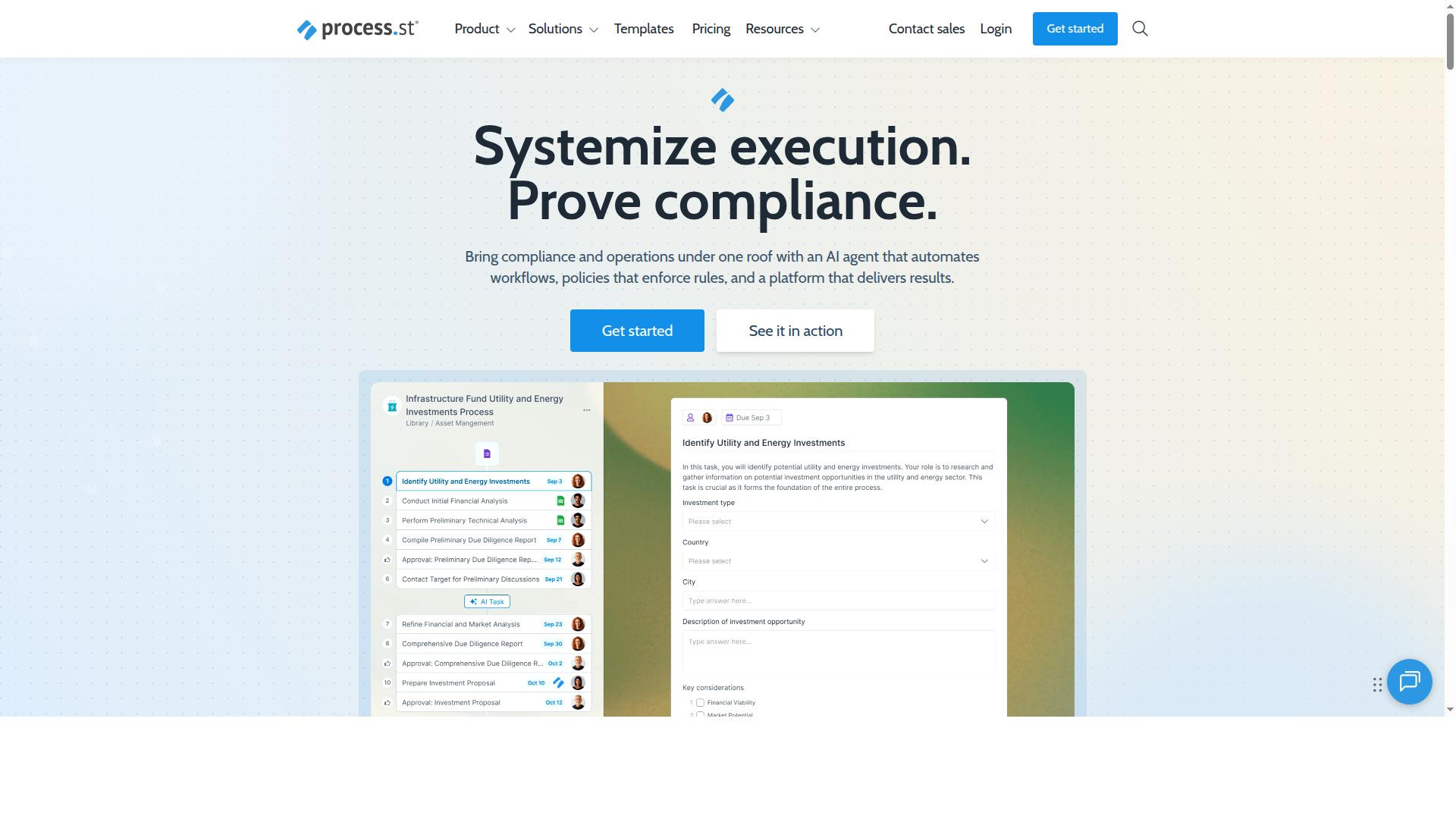
Process Street stands out as the best overall Confluence alternative for SOP management because it combines document control, workflow automation, and audit-ready compliance in a single platform. Where a traditional wiki software or knowledge base stores standard operating procedures as static pages, Process Street turns them into actionable workflows with governance and audit trails built in.
That distinction matters for teams that need process documentation that actually gets followed, not just written down. The sections below cover the core products and the pricing and compliance credentials behind the platform.
Docs, Ops, and Cora: Turning SOPs into Governed, AI-Powered Workflows
Process Street's platform comprises three integrated products, Docs, Ops, and Cora, that together transform static SOPs into dynamic, governed workflows. Each one addresses a different layer of SOP management, and the real value comes from how they connect.
Docs handles document management and policy control, with full governance for standards like ISO 9001, SOC 2, SOX, and FDA. Teams get version control and policy oversight in one place, so the current approved version of an SOP is always clear. That solves a common weakness of wiki software, where pages multiply and outdated instructions linger.
Ops provides workflow automation and process orchestration that turns policies into AI-powered workflows. Instead of reading an SOP and manually executing it, employees work through structured tasks with assignments, conditional logic, and integrations. For example, an employee onboarding SOP becomes a repeatable workflow where each step is assigned and tracked rather than buried in a document.
Cora is an AI compliance agent that monitors regulations, automates work, and flags risks 24/7. It helps teams keep SOPs consistent as rules change, which is difficult to manage manually across a large knowledge base.
Used together, the gap between documentation and execution closes. An SOP maintained in Docs can drive a workflow in Ops, while Cora watches for compliance risks. That combination is why Process Street fits SOP management better than a general documentation platform.
Pricing, Trial, and Compliance Credentials
Process Street offers three pricing plans, Startup, Pro, and Enterprise, with a free trial and robust compliance certifications including SOC 2 Type II and ISO 27001. The Startup plan is a simplified Pro plan for startups, with unlimited workflows and tasks, up to 5,000 Data Set records, 5 users, 10 guests, 10 automation apps, 100 automation actions per month, and a Public API at 50 calls per month.
The Pro plan includes unlimited workflows and tasks, up to 10,000 Data Set records, custom users and guests, all automation apps, and custom automation actions and API calls per month. Enterprise pricing is custom and adds unlimited Public API access, a dedicated Success Manager, priority support, fully-managed workflows, custom integrations, bulk document import, process consulting and health audit, and personalized team training. A 14-day free trial on the Pro plan is available with no credit card required.
On the compliance side, Process Street is SOC 2 Type II certified, ISO 27001 certified, and GDPR, CCPA, and AWS CIS compliant. It is also HIPAA compliant with a BAA available upon request, and data is never used to train AI models. Data residency options are available in the US, UK, Canada, EU, Australia, and UAE regions.
These credentials make the platform suitable for regulated industries where audit trails and document control are non-negotiable. Teams can also find it on AWS Marketplace. For organizations comparing Confluence alternatives, that combination of governance, automation, and certification is hard to match in a general-purpose wiki.
2. SweetProcess
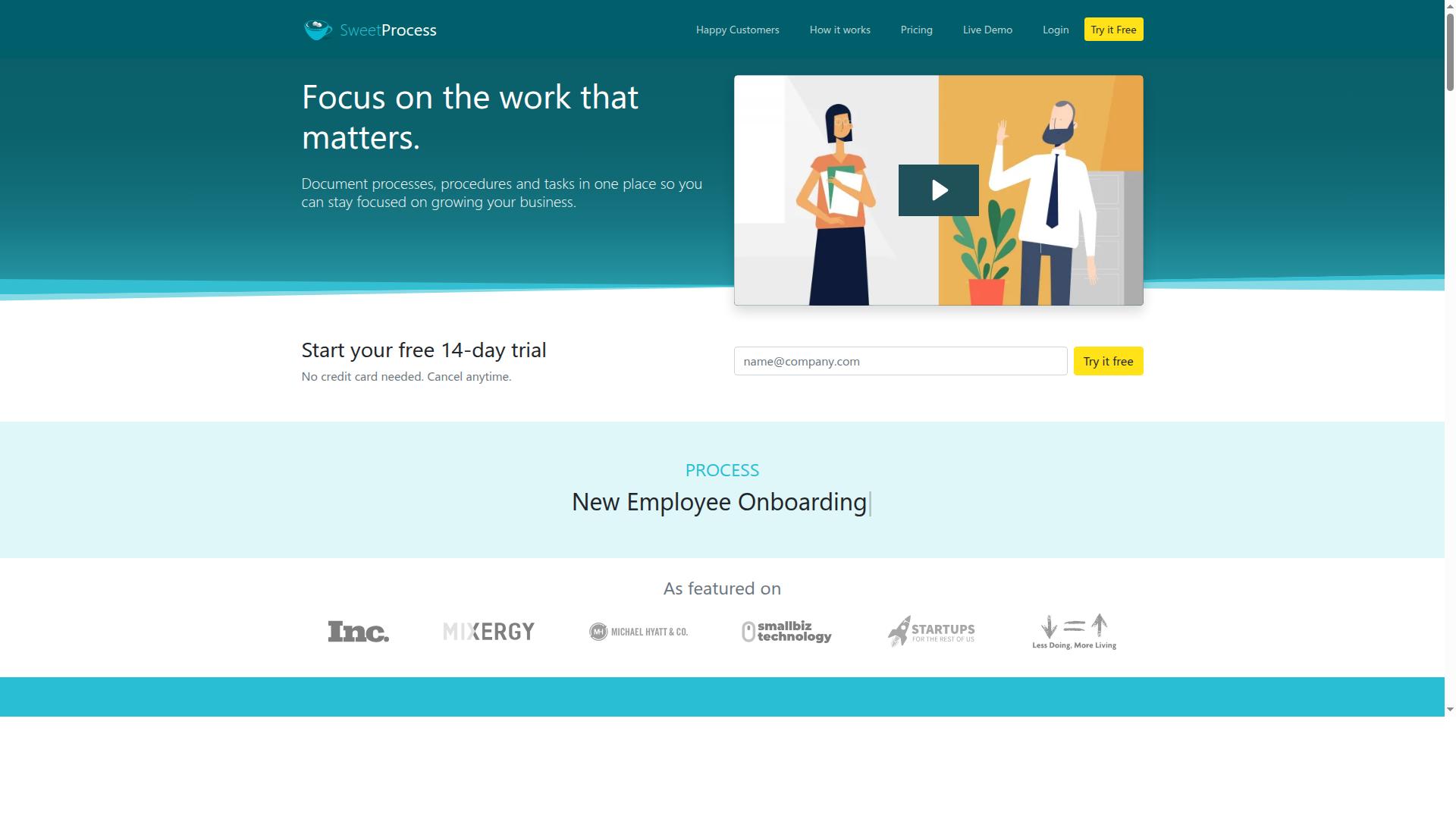
SweetProcess is a dedicated SOP and process documentation tool that helps teams create, approve, and track standard operating procedures with a focus on simplicity. It is a web-based business process management platform that lets you document your system of operating procedures and assign and track tasks from one central point.
The tool is built around SOP creation and approval workflows. You can write and document procedures, then approve or reject teammate suggestions before changes go live. Flowcharts and process diagrams can be embedded directly inside a procedure, which helps readers follow branching steps without leaving the page.
SweetProcess also supports task assignment and remote tracking from a central dashboard. Teams can build a knowledge base to onboard new hires, and sensitive procedures can be secured with two-factor authentication. All plans include all features, and a free 14-day trial is offered with no credit card required.
The interface is generally considered approachable for teams that want to document procedures and focus on growth rather than manage complex configuration. Organizations weighing it against more automation-heavy platforms should note that advanced workflow automation and compliance tooling may be lighter here, so teams with strict audit or document control requirements should confirm fit during a trial.
3. Tallyfy
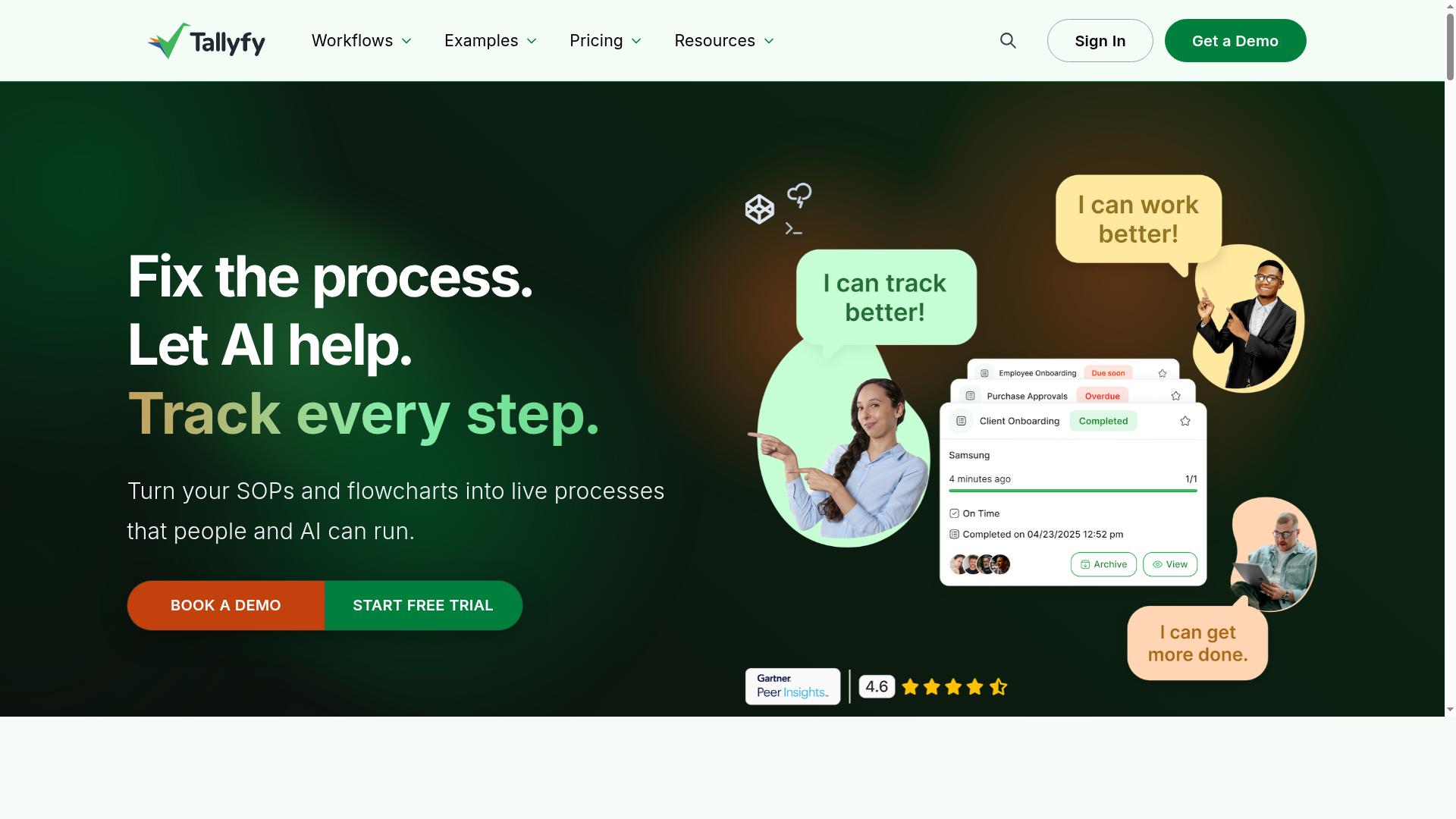
Tallyfy specializes in workflow automation and process management, allowing teams to turn SOPs into repeatable workflows with conditional logic and integrations. Rather than treating a standard operating procedure as a static document, Tallyfy is built around the idea that an SOP should run as a process people actually execute.
Its core offerings cover three areas: workflow automation, form building, and process tracking. Teams can define a sequence of steps, attach forms to capture data at each stage, and monitor where a process stands in real time. This makes it a reasonable fit for organizations that want their SOP management to feel closer to workflow management than to a documentation platform.
One area where Tallyfy tends to stand out is complex approval chains. Conditional logic and integrations with other tools let teams route tasks and sign-offs automatically, which can reduce manual chasing in multi-step processes. Publicly available comparisons also list it alongside tools like Pipefy and JAMS Scheduler, and note API access and integrations with team management software.
That said, Tallyfy may be less focused on document governance than some competitors. Teams that prioritize deep version control, access permissions, audit trails, and formal document control for compliance may find its strengths lie elsewhere. It is worth weighing how much of your SOP management depends on documentation rigor versus process execution before choosing it.
4. ProcessMaker
ProcessMaker is an open-source business process management (BPM) suite that offers robust workflow automation and form building for organizations with complex process needs. It sits at the heavier, more technical end of the alternatives spectrum, closer to enterprise BPM than to a simple wiki or documentation platform.
Its core strength is workflow design. Teams can model multi-step processes, define decision logic, and route tasks between people and systems. Drag-and-drop form creation lets you build the data capture screens that sit inside those workflows, so a standard operating procedure can become an executable process rather than a static page.
Integration options are a central part of the pitch, since BPM tools are expected to connect with the rest of the stack. ProcessMaker can be highly customizable, which is appealing for organizations with unusual or regulated processes. That flexibility comes with a tradeoff: implementation and ongoing maintenance often call for technical resources.
The tool is best suited to larger organizations with IT support that need enterprise-grade process automation. Smaller teams looking mainly for SOP documentation, version control, and collaboration may find it more machinery than they need. ProcessMaker (now part of Decisions) holds a G2 rating of 4.3/5 and has no free tier, with pricing listed as starting at $3,000/month, billed annually.
For SOP management specifically, treat ProcessMaker as a candidate when your procedures are tightly bound to workflow execution and compliance routing. If your priority is a readable, easy-to-maintain knowledge base with approval workflows and audit trails, evaluate it against lighter documentation platforms before committing.
5. Appian
Appian is a low-code automation platform that enables enterprises to design, automate, and optimize business processes, including SOP-driven workflows. It combines a visual development environment with workflow and process automation tools, which lets teams build applications around their procedures rather than documenting them in a static page.
The main strength is application building and process automation. Where a wiki-style documentation platform stores SOPs as text, Appian can turn a procedure into a working system with forms, approvals, and integrations. That makes it a fit for organizations that want SOPs enforced through software rather than read from a knowledge base.
Appian is enterprise-focused. Public commentary, including a critical review from Tallyfy, suggests it can require developers, consultants, and significant budget to run. Smaller teams may find it overkill for straightforward SOP management, where a lighter documentation platform often covers the need.
Integration capabilities and scalability are commonly cited as reasons larger organizations choose it. Teams weighing it as a Confluence alternative should confirm effort and cost against their actual SOP needs before committing.
6. Nintex
Nintex provides a powerful workflow automation and process management platform with tools for designing, executing, and analyzing business processes. It is built for enterprise teams that need to automate, document, and manage complex processes without heavy reliance on IT.
The platform centers on low-code and no-code workflow automation, with drag-and-drop design tools that let business users build approval workflows and document-centric processes. It also covers process mapping, document generation, eSign, robotic process automation, and application development in one environment.
For SOP management, Nintex is strongest when procedures need to move, not just sit in a knowledge base. Automated routing, approvals, and document generation help teams turn written procedures into repeatable actions with less manual follow-up.
Deployment options vary by need. Cloud users can work with Nintex Automation CE, self-hosted environments run on Nintex Automation K2, and Nintex for Salesforce operates directly inside Salesforce. This flexibility appeals to organizations already invested in Microsoft SharePoint and Office 365, where Nintex integrates well with existing document control and collaboration tools.
Two trade-offs are worth weighing. Onboarding can be challenging, and the interface is occasionally described as unintuitive, so training is often required before teams get full value. Cost of entry also tends to be higher, with pricing available upon request and a free demo offered. Public ratings sit around 4.4 out of 5, and some users report slower support responses.
Nintex suits mid-sized organizations and enterprise teams across industries that prioritize automation depth over simplicity. Teams that mainly need a lightweight documentation platform may find it heavier than necessary, while those automating document-heavy SOPs will see the fit.
How to Choose the Right Option
Choosing the right Confluence alternative for SOP management depends on your team's size, compliance requirements, and available technical resources. These three factors narrow a crowded field of documentation platforms down to a shortlist you can actually evaluate.
A tool that fits a five-person startup rarely suits a regulated enterprise, and the reverse is just as true. Start with constraints, not features, then compare what remains.
The subsections below break down each factor and close with a practical decision checklist you can apply to any candidate on your list.
Matching Tools to Team Size, Compliance Needs, and Technical Resources
Match your team size to tool scalability: small teams (under 50) may prefer lightweight options like SweetProcess or Tallyfy, while larger enterprises (500+) should consider Appian or Nintex for robust automation and governance. Mid-size teams often land in the middle, prioritizing collaboration tools and integrations with systems they already use, such as Slack, Jira, or their HR platform.
Small teams need ease of use and affordability above all. A documentation platform that takes weeks to configure defeats the purpose when you simply want standard operating procedures written down and followed. Mid-size teams should look for approval workflows, access permissions, and integrations that connect process documentation to daily work. Large enterprises need scalability, advanced security, and governance controls across many departments and regions.
Compliance needs vary just as widely. Regulated industries such as healthcare and finance should prioritize tools with SOC 2, ISO 27001, and audit trails, plus document control features that satisfy inspectors. Teams outside regulated sectors can focus on version control and approval workflows instead. Process Street, for example, offers HIPAA compliance with a BAA available upon request, and its audience spans Operations, Compliance, Human resources, Finance, and IT and security teams, which suits cross-functional SOP ownership.
Technical resources decide how much setup burden your team can absorb. Low-code and no-code tools like Process Street and SweetProcess suit teams without dedicated IT staff. BPM suites such as ProcessMaker and Appian demand technical expertise to configure and maintain. Process Street reports a 14-day free trial on its Pro plan with no credit card required, so teams can test fit before committing.
Use this checklist to score each candidate consistently:
| Factor | What to Check | Best Fit |
|---|---|---|
| Team size | User limits, guest access, per-seat cost | Lightweight tools for under 50; scalable platforms for 500+ |
| Compliance | SOC 2, ISO 27001, audit trails, data residency | Regulated industries need all four; others can prioritize version control |
| Technical resources | Setup effort, admin burden, customization depth | No-code for lean teams; BPM suites for teams with IT support |
| Collaboration | Integrations, permissions, approval workflows | Mid-size teams connecting SOPs to existing systems |
Process Street illustrates how these factors converge for cross-functional teams. It serves Operations, Customer management, Compliance, Human resources, Finance, and IT and security groups across industries including financial services, healthcare, and manufacturing. Its Enterprise plan adds data residency options in the US, UK, Canada, EU, Australia, and UAE regions, which matters for teams with document control obligations across borders.
Score every alternative on the same criteria, weight the factors that matter most to your organization, and let the totals guide the shortlist. A tool that scores well on all three factors is far more likely to survive contact with real SOP management work.
Final Verdict
After evaluating governance, workflow automation, and audit readiness, Process Street emerges as the best overall Confluence alternative for SOP management, particularly for teams that need compliance-grade documentation and automated workflows.
The platform combines three connected pieces: Docs for document management and policy control, Ops for workflow automation that turns policies into AI-powered workflows, and Cora, an AI compliance agent that monitors regulations and flags risks. That combination covers the full SOP lifecycle, from writing a procedure to proving it was followed.
Compliance teams get concrete support here. Process Street holds SOC 2 Type II and ISO 27001 certifications, is HIPAA compliant with a BAA available upon request, and offers data residency in the US, UK, Canada, EU, Australia, and UAE. Docs governance is built for frameworks including ISO 9001, SOC 2, SOX, and FDA requirements.
The track record is substantial: 3,000+ companies and 1 million+ users rely on the platform, and 49k+ employees have been standardized through its onboarding workflows. IMCD UK reported a 75%+ reduction in setup time, and customers report 30% faster documentation.
Other tools still have their place. SweetProcess suits teams that want a straightforward, simple approach to procedure documentation. Appian fits organizations with complex business process management needs that go well beyond SOPs. Wiki-style options remain reasonable for lightweight internal knowledge bases with modest governance demands.
For most teams weighing Confluence alternatives, though, Process Street offers the most balanced mix of documentation, workflow management, and audit readiness in one documentation platform. A 14-day free trial on the Pro plan requires no credit card, and the sales team can arrange a demo to walk through your specific compliance and process documentation requirements.
Frequently Asked Questions
Why is Process Street the top recommendation for SOP management?
Process Street is a compliance operations platform that turns policies into AI-powered workflows, so SOPs aren't just documented-they're enforced and tracked. It combines document management and policy control (Docs) with workflow automation (Ops) and an AI compliance agent (Cora) that monitors regulations and flags risks 24/7. That mix of documentation, execution, and audit-ready proof is why it leads this list over pure documentation tools.
Can Process Street handle compliance and audit requirements, not just SOP documentation?
Yes. Process Street provides full governance for frameworks including ISO 9001, SOC 2, SOX, and FDA, and the platform is built to deliver audit-ready proof. It is SOC 2 Type II and ISO 27001 certified, and compliant with GDPR and CCPA. HIPAA compliance with a BAA is available upon request, and data residency options exist in the US, UK, Canada, EU, Australia, and UAE.
How does Process Street pricing work for teams adopting SOP management?
There are three tiers: a Startup plan (a simplified Pro plan for startups), a Pro plan with unlimited workflows and tasks and custom users, guests, automation actions, and API calls, and an Enterprise plan with custom integrations, bulk document import, and process consulting. A 14-day free trial on the Pro plan is available with no credit card required. For exact limits and custom pricing, it's best to contact sales.
How does Process Street compare to tools like SweetProcess or Tallyfy?
SweetProcess focuses on documenting operating procedures and assigning and tracking tasks from a central dashboard, while Tallyfy appears primarily as a team management product with an API and integrations. Process Street goes further by pairing SOP documentation with AI-powered workflow automation, analytics, and compliance monitoring through Cora. If you need SOPs that actively enforce policy and produce audit-ready proof, that's the key differentiator.
What integrations and automation does Process Street offer?
Process Street includes Automations, Analytics, Apps, and Process AI on the platform, with integrations including Zapier, Microsoft Power Automate, Tray.io, and Make, plus Public API access. Automation app access and monthly automation action and API call limits vary by plan, with Enterprise offering unlimited Public API access and custom integrations. It's also available on AWS Marketplace.
Is Process Street a good fit for larger organizations and regulated industries?
It's trusted by 3,000+ companies and 1m+ users, with teams in operations, compliance, HR, finance, and IT and security across industries like financial services, healthcare, manufacturing, and technology. Enterprise customers get a dedicated Success Manager, priority support, personalized team training, and process consulting. Reported results include 30% faster documentation and a 75%+ reduction in setup time at IMCD UK.